Editor plugin. Enables Epic's Dynamic Wind (experimental in UE 5.7) and Procedural Mesh Component.
● RIGGING
From Static Mesh to Rig
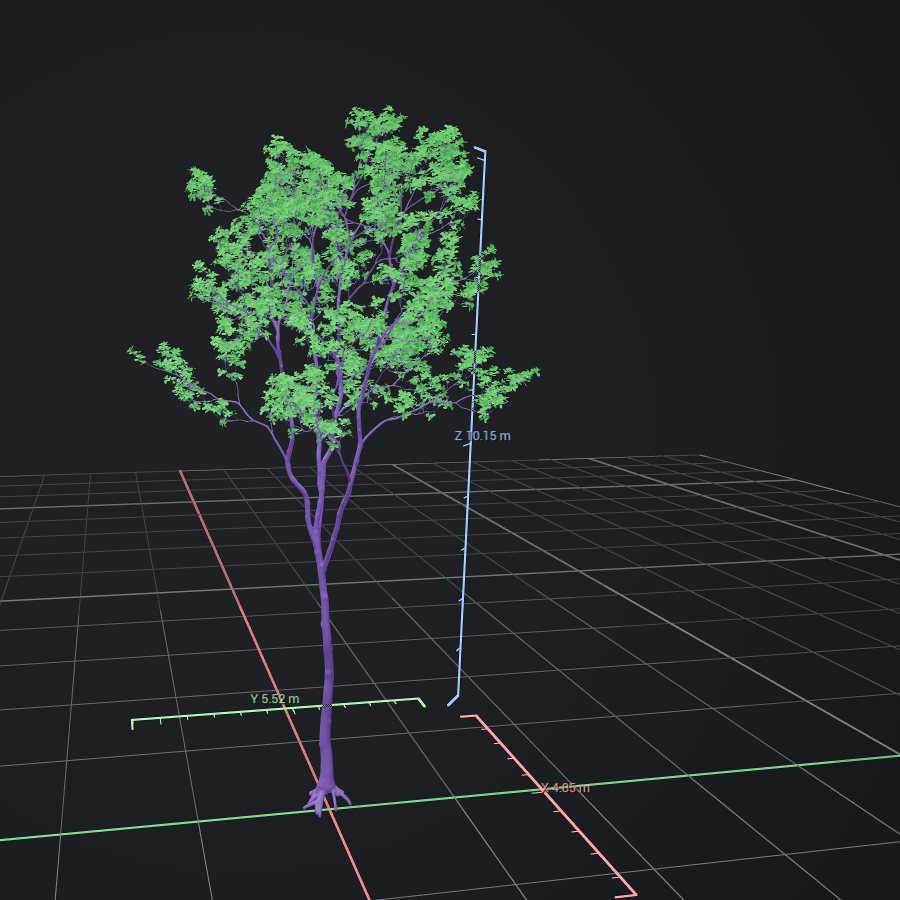
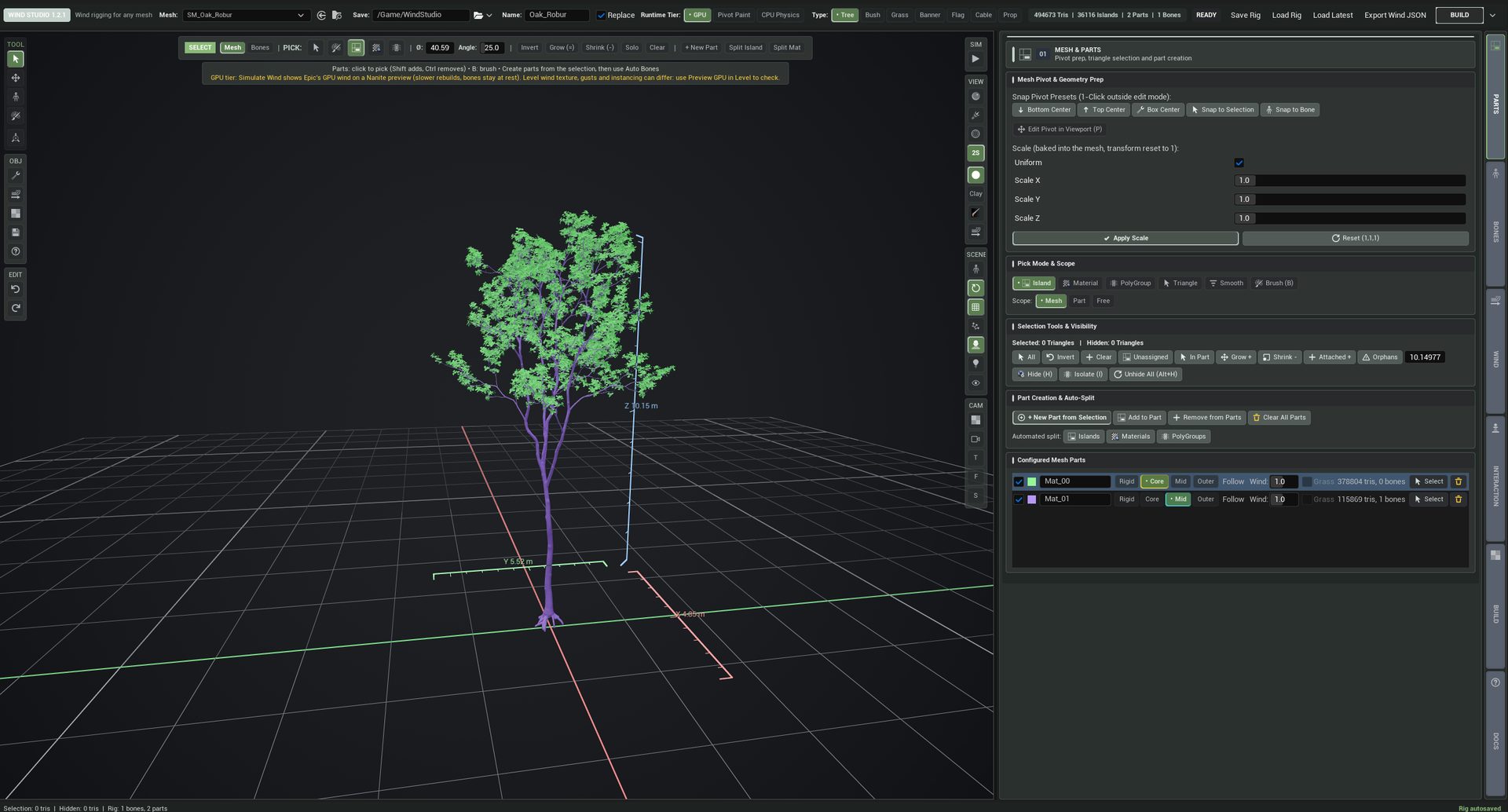
Split the mesh into parts, let Auto Bones grow chains through every branch, paint only where it matters. Unassigned triangles never move, so bases and pots stay put.
Parts in a Few Clicks
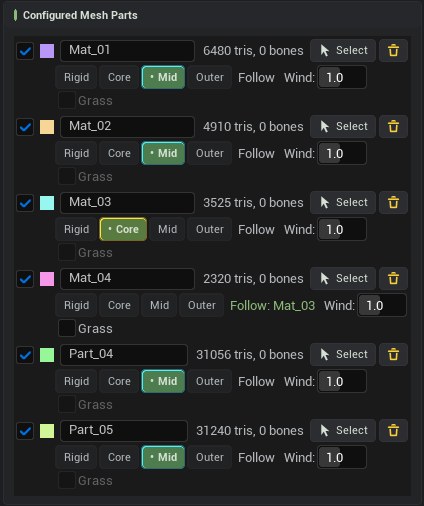
Pick by Island, Material, PolyGroup, Triangle, Smooth angle or Brush, or auto-split the whole mesh. Give every part a role: Rigid, Core, Mid or Outer. Bone-less leaves can Follow a branch part.
Bones That Follow the Plant
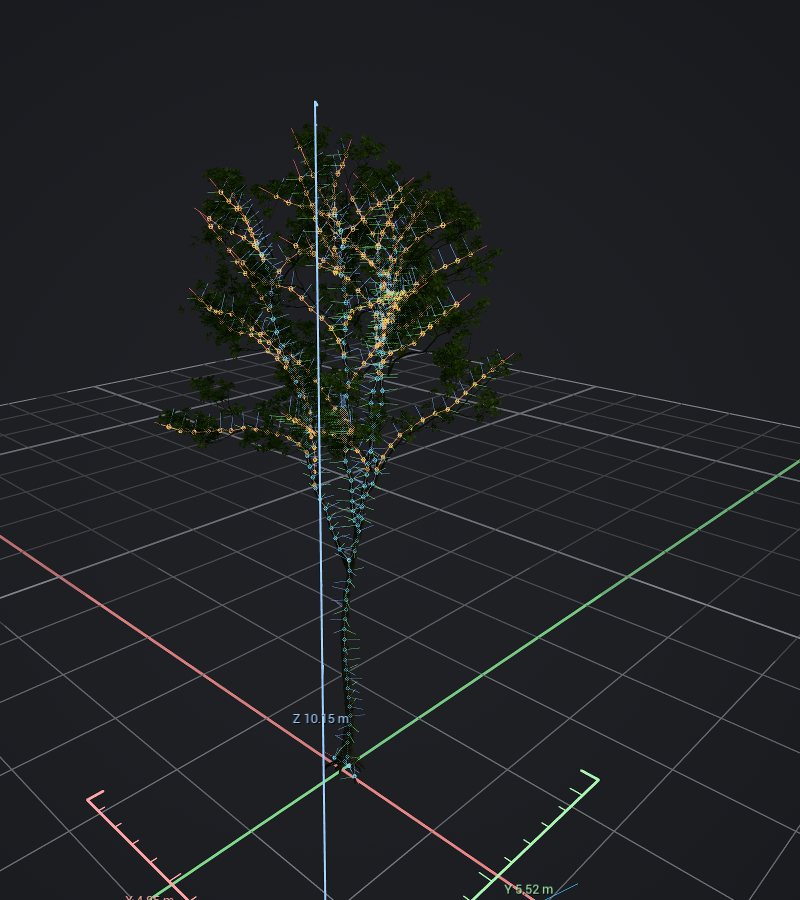
Auto Bones fits Adaptive, Chains or Branching skeletons per part with a 20 cm spacing, like Epic's PVE trees. Place, move, re-parent, weld and straighten by hand. Grass clumps drive many blades from a few chains.
Roles for Every Part
Every part gets its own colour, a role, a wind scale and an optional Follow target.
Paint What Matters
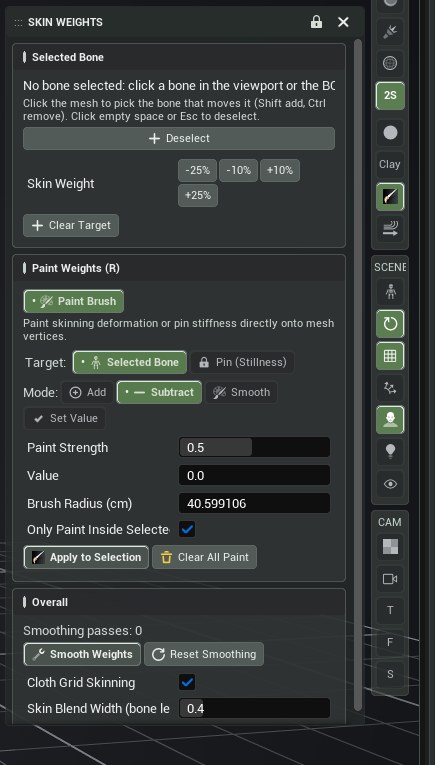
Skin weight or Pin (stillness) with Add, Subtract, Smooth and Set Value. Cloth grid skinning keeps banners one sheet.
● RUNTIME TIERS
One Rig, Three Ways to Move
Choose per asset how placed copies animate. Simulate Wind previews each tier in the Studio.
GPU
Epic Dynamic Wind
Nanite skinned meshes driven by Epic's GPU wind. Only Epic data is exported: Simulation Groups, influences, trunk flag, gust attenuation, ground cover.
Best for large amounts of foliage
PIVOT PAINT
Pivot Painter 2
A Static Mesh with the rig's pivots baked in, 100 % compatible with Epic's Pivot Painter 2. Up to 30,719 elements and 4 hierarchy levels; works with foliage instancing.
Best for instanced, material-driven foliage
CPU PHYSICS
Chain Solver
The plugin's bone chain solver on worker threads: drag, turbulence, flutter, gravity, springs, cloth links and two-pinned cables.
Best for hero assets, cloth, cables and character contact
● INTERACTION
Plants That React
Characters Push Through
Pawns and the camera pass through plants and push them aside, or plants block them. Trunk strength comes from the plant's height: a 30 cm stem bends, a 3 m trunk barely moves. A 180 cm Test Character walks through the asset in the preview.
One Wind Manager per Level
Drives Epic's GPU wind, the CPU solver and MPC_GlobalWind together. Weather presets from Calm to Mountain Gale blend smoothly, and the GPU wind is smoothed so foliage never snaps.
● BUILD & PIPELINE
Build Once, Rebuild Anytime
Replace in Place
One click builds the Skeletal Mesh with Skeleton and Physics Asset. Rebuilding replaces it, so placed actors keep their reference; Edit in Wind Studio restores the full rig.
Optimization
Reduce Bones, Limit Bones per Vertex, No Physics Asset and Distance LOD for CPU Physics copies. Your Studio rig never changes.
36hero plants
58.6FPS
0.33 msper plant
Developer test scene: SK_Bush_Aralia, 1,173 bones, Nanite.
JSON + USD Export
Export Epic's Import Dynamic Wind JSON and a UsdSkel skeleton for Nanite Assembly and Houdini pipelines.
● WORKFLOW
Built for Long Sessions
Autosave & Undo
Autosave 3 s after every edit, Load Latest, full undo / redo.
Familiar Shortcuts
Maya, Max, Blender and Houdini style keys that never touch Unreal's navigation.
Help Where You Work
Hold Ctrl+Alt for extended tooltips, press F1 to jump to the docs.
Your Own Skeletons
Open Skeletal Meshes from Houdini, PVE or Blender with their bones and skin weights.
● FAQ
Questions
Which engine versions and platforms are supported?
Unreal Engine 5.7 on Win64. UE 5.8 support is on the roadmap.
Which plugins does it need?
Epic's Dynamic Wind (experimental in UE 5.7) and Procedural Mesh Component. Both are enabled with Wind Studio.
Does it change my materials?
No. For Pivot Paint, your material needs the MF_CAAPivotPaint function; the Studio tells you when it is missing and never edits your master material.
Does the plugin ship any content?
No. The few helper assets it needs (MPC_GlobalWind, MF_CAAPivotPaint) are generated in your project the first time they are used.
Can I edit an asset after building it?
Yes. Right-click the Skeletal Mesh and choose Edit in Wind Studio: the source mesh, parts, bones and wind settings come back.
Does it work with Nanite and foliage instancing?
The GPU tier builds Nanite skinned meshes for Epic's Dynamic Wind; the Pivot Paint tier builds Static Meshes that work with foliage instancing.